✉️
Newsletter Guide

How Can I Subscribe to Scarlet Media’s Newsletter?

Newsletter remains one of the easiest ways to stay aware of trends, fresh ideas, and new posts. They bring handpicked updates straight to your inbox, so you do not need to search for them. This guide explains where to sign up, what you will get after you join, and how to manage your email settings.

Join Our Newsletter

Get curated insights, updates, and exclusive content delivered to your inbox.


Scarlet Media newsletter

Where to Find the Newsletter Sign-Up Option

📍
Quick Map
1
Find the sign-up form on the site (home, blog, footer, or in-page box).
2
Enter your email and confirm if a verification email arrives.
3
Manage preferences anytime (update, reduce, pause, or unsubscribe).
Tip: Look at the footer of any page — forms often live there because it stays consistent across the site.

Website Areas That Feature the Subscription Form

Most readers first notice a sign-up form while they browse the website. It often appears on the home page, where visitors land and look for new content. Many sites also place the form in the blog section, since people who read articles are more likely to want updates. You may also find it in the footer, which sits at the bottom of each page and stays visible no matter where you scroll.

Some pages show a small box that asks for your email as you read. This can appear after a short time or when you reach the end of a post. These pop-up forms are meant to catch your eye when you are already engaged with the content. They are simple and quick to use, so you can sign up without leaving the page.

The goal is to make the sign-up easy to spot without being a bother. If you are reading a blog post or checking a service page, you will likely see a short prompt that invites you to join. These forms ask for only basic details, which keeps the process fast and clear.

Quick Steps to Complete the Sign-Up Process

1
Enter Email + Submit
The sign-up process is direct and takes only a few moments. You type your email into the form and click the sign-up button. In many cases, you will then receive a short email that asks you to confirm your choice. This step helps make sure your address is correct and that you want to receive updates.
2
Confirm + Welcome
After you confirm, your email is added to the list. You may get a welcome message that explains what to expect next. This first email often shares a sample of the kind of content you will receive. It sets the tone and gives you a clear idea of the value of the newsletter.
3
Simple + Smooth
The whole flow is meant to feel simple and smooth. You do not need to fill out long forms or share extra details. The focus stays on speed and ease. Once you are signed up, you can relax and wait for the next update to arrive.

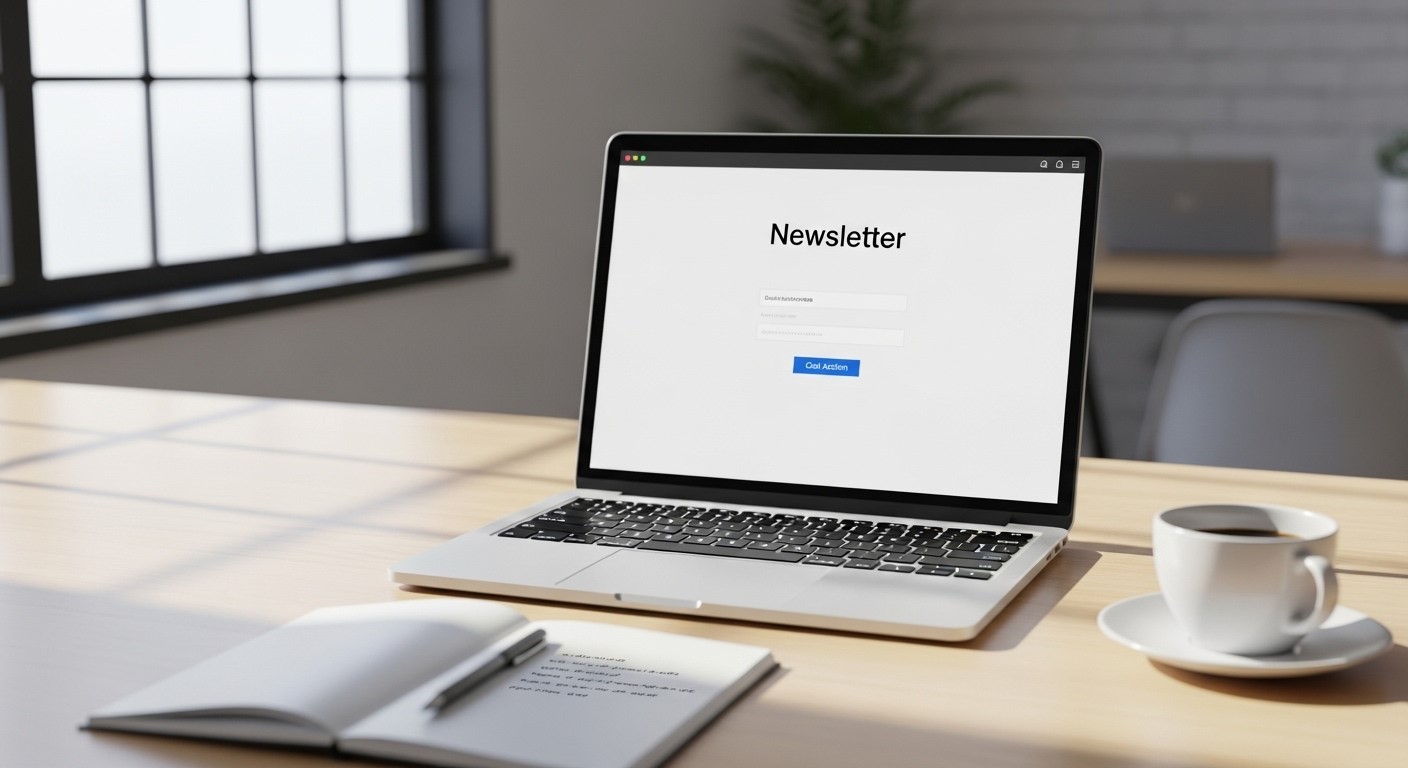
Newsletter signup example

What You Can Expect After Subscribing

Subscribers receive content that is meant to be worth your time: useful updates, clear takeaways, and a steady rhythm that does not overwhelm your inbox.

🧩

Types of Content Sent to Subscribers

Once you join, you will start to receive a mix of useful updates. These often include new blog posts, tips, and short guides that cover topics in digital marketing. The content is picked with care so readers can stay informed without reading dozens of sites.

You may also see news about new services, fresh ideas, and changes in the field. These updates help readers keep pace with new trends and shifts in how brands connect with people online. The aim is to share content that is both helpful and easy to follow.

Some emails may highlight popular posts or key themes from past weeks. This helps you catch up if you missed something. It also brings focus to topics that matter most to readers. The goal is to keep the content clear, useful, and worth your time.

🗓️

How Often Emails Are Delivered

The timing of emails matters to many readers. Most newsletters follow a set pace, such as once a week or once a month. This keeps updates steady but not too frequent. It helps you stay informed without filling your inbox with too many messages.

A weekly email may share new posts and tips from recent days. A monthly email may gather the best ideas from a longer span. In both cases, the focus stays on quality. You receive only what is worth reading, not every small change or update.

This steady pace helps readers build a habit. You come to expect fresh ideas at a set time. It also makes it easy to stay in the loop without much effort. The updates come to you, which saves time and keeps things simple.

Why people subscribe
Why Readers Choose to Join the Newsletter

Staying Updated Without Constant Searching

One of the main reasons people join a newsletter is to save time. Instead of checking many sites, you get key updates in one place. This makes it easy to stay aware of new ideas, posts, and trends without a long search.

Readers often have busy days and full schedules. A short email that brings the best content to them helps them stay informed with less effort. They can read it in a few minutes and still feel up to date on what is new.

Over time, this steady flow of updates builds a clear view of the field. You start to see which topics are gaining more focus and which ideas are worth more time. The newsletter acts as a simple way to keep track of what matters most.

Early Access to New Content and Insights

Many readers enjoy being among the first to see new posts and ideas. A newsletter can share updates as soon as they go live. This gives you early access to fresh content before it spreads more widely.

This early view can be helpful if you like to stay ahead in your work or studies. You can read new tips and insights before others may see them. It gives you more time to think, learn, and apply new ideas.

There is also a sense of being part of a group that stays close to the source. You receive updates that feel direct and timely. This adds a sense of value and helps you feel more connected to the content.

Managing Your Subscription Preferences

You should always feel in control of your inbox. Subscription settings are designed to be flexible and easy.

⚙️

Updating Email Details or Frequency

Over time, your needs may change. You might switch email accounts or want to use a different address for updates. Most newsletters make it easy to change this. You can update your email by using a link in the message or by visiting a settings page.

Some readers may want to change how often they hear from the newsletter. If options are available, you may be able to pick a pace that suits you better. This could mean fewer emails or a shift to a summary format.

Having this level of control helps you shape your own inbox. You choose how and where you receive updates. This keeps the experience simple and suited to your routine.

🧾

How to Unsubscribe or Pause Emails

If you ever feel that the emails no longer fit your needs, you can step away at any time. Each message usually includes an unsubscribe link at the bottom. With one click, you can stop future emails from reaching your inbox.

Some services also offer the choice to pause emails instead of leaving for good. This can be useful if you need a break or want to cut back for a while. You can return later when you are ready to receive updates again.

This open approach helps build trust. You stay in control of your inbox and your time. You can adjust, pause, or stop the flow of emails when it suits you, without any long process.

Feel free to connect with us at +971526998809 or via [email protected] for international/local projects